Install virt-viewer using brew:
brew tap jeffreywildman/homebrew-virt-manager
brew install virt-viewer
After installation open new terminal session. You should be able to open pve-spice.vv using CLI.
remote-viewer pve-spice.vvThe command should be located in /opt/homebrew/bin/remote-viewer.
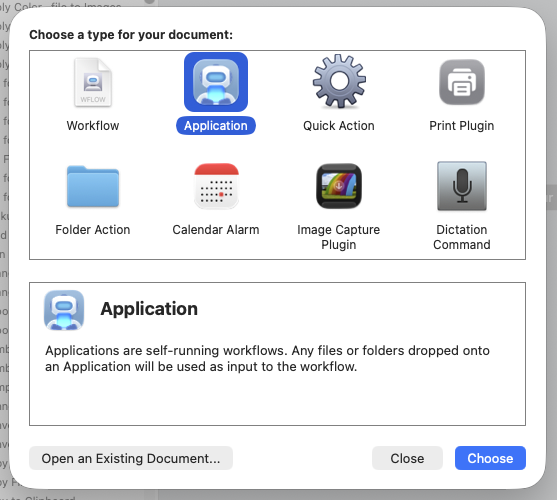
You can also use MacOS Automater to create a redirector that can be used to open the .vv files from browser.
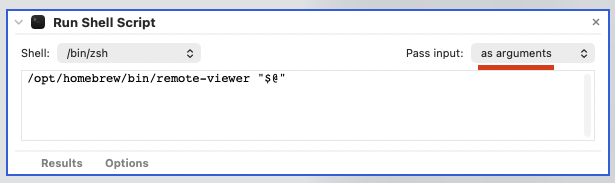
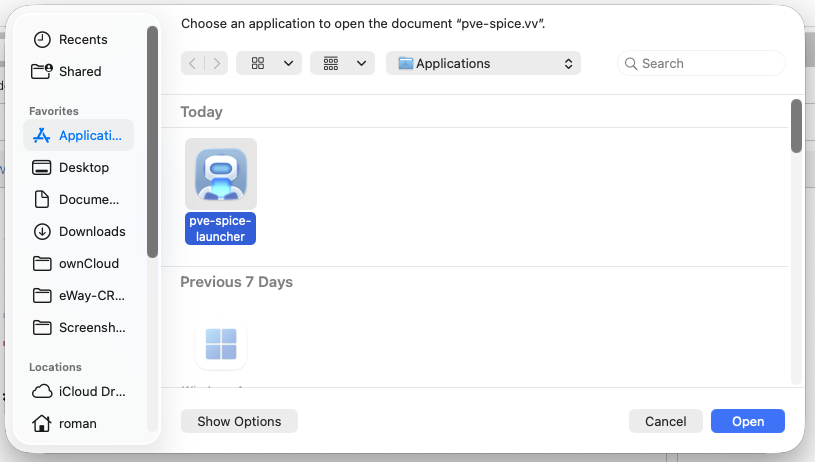
/opt/homebrew/bin/remote-viewer "$@"When you click Open on the pve-spice.vv you can Choose pve-spice-launcher that we created earlier.